Field Debugging
Sometimes you need to access a tap on-site, without network access. This could be because you don't have access to the network at that moment or because the tap is unreachable for an unknown reason.
Android Field Debugging
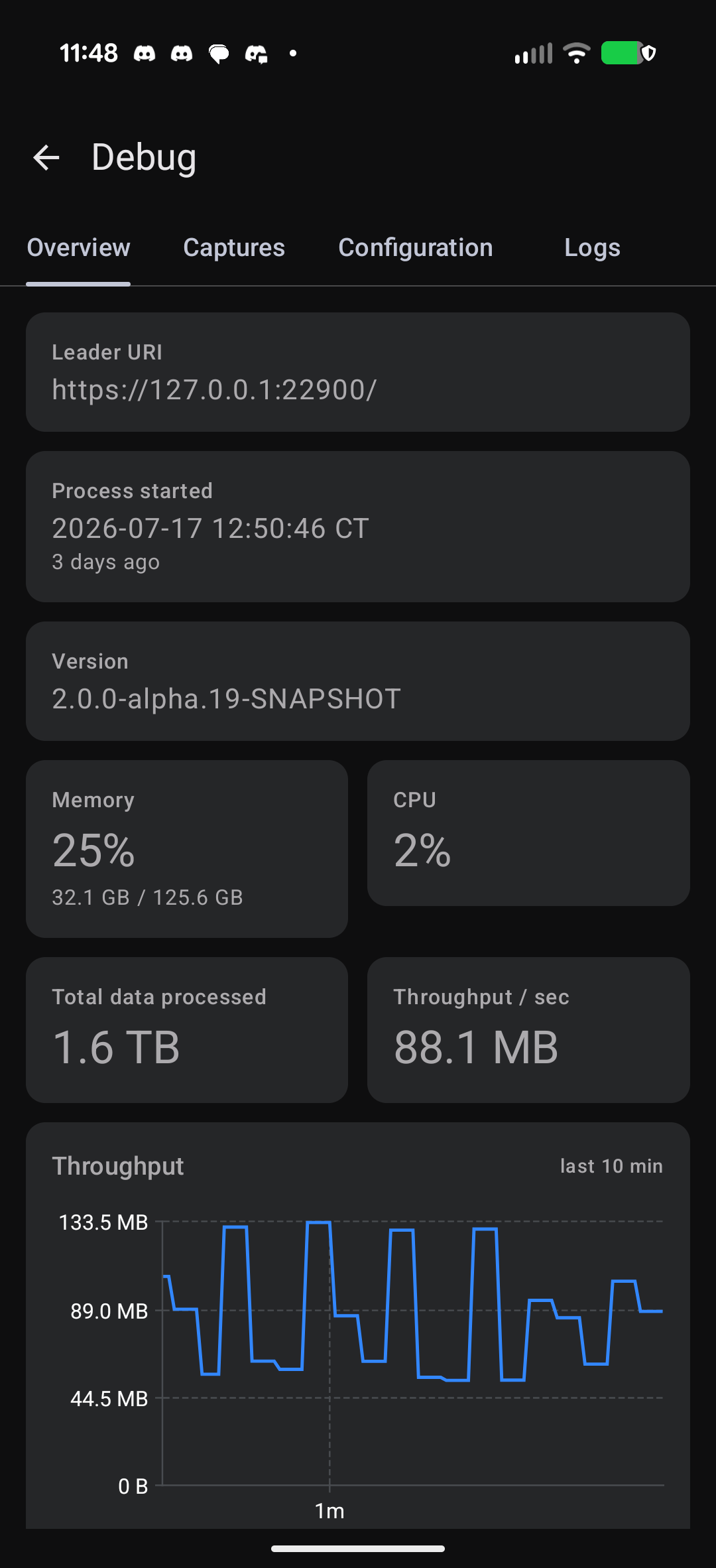
The Nzyme Android App has a Debug mode that is built for debugging a tap on-site.
The nzyme-tap process is looking for connected Android devices on the host USB port. When an Android
device connects, nzyme-tap registers to it as an Android Accessory. After allowing the connection on your phone,
the Nzyme app can talk to the tap directly and will receive live debug data from the nzyme-tap process.
Terminal Field Debugging
If you can log in to the tap host, nzyme-util offers a live terminal dashboard of the running nzyme-tap process
that does not need the network or an Android device:
It shows channel activity and buffer watermarks, dropped packets, CPU and memory usage, WiFi channel hopping, leader
submissions and the log, updated ten times a second, and can record the session to a file for later playback. The tap
has to serve its telemetry feed for this, which is a one-line change in nzyme-tap.conf. See
Watching a Tap in Real Time for setup, the pages and the keys.